By using this site, you agree to the Privacy Policy and Terms of Use.
Accept
Okay News
  • News
  • Politics
  • Business
  • Technology
  • Security
  • Entertainment
  • Sports
Reading: Accessing Meta AI Chatbot on WhatsApp in Nigeria Made Easy – Here’s How
Font ResizerAa
Okay NewsOkay News
  • News
  • Politics
  • Business
  • Technology
  • Security
  • Entertainment
  • Sports
Follow US
2026 © Okay International Limited - All rights reserved
Featured

Accessing Meta AI Chatbot on WhatsApp in Nigeria Made Easy – Here’s How

Okay News
By
Okay News
ByOkay News
Okay.ng launched under OKN MEDIA PUBLISHING (RC Number: 2993580) in the year 2012 is an independent digital news platform with thousands of page views and unique...
Follow:
Published: 2024/04/14
3 Min Read
Share
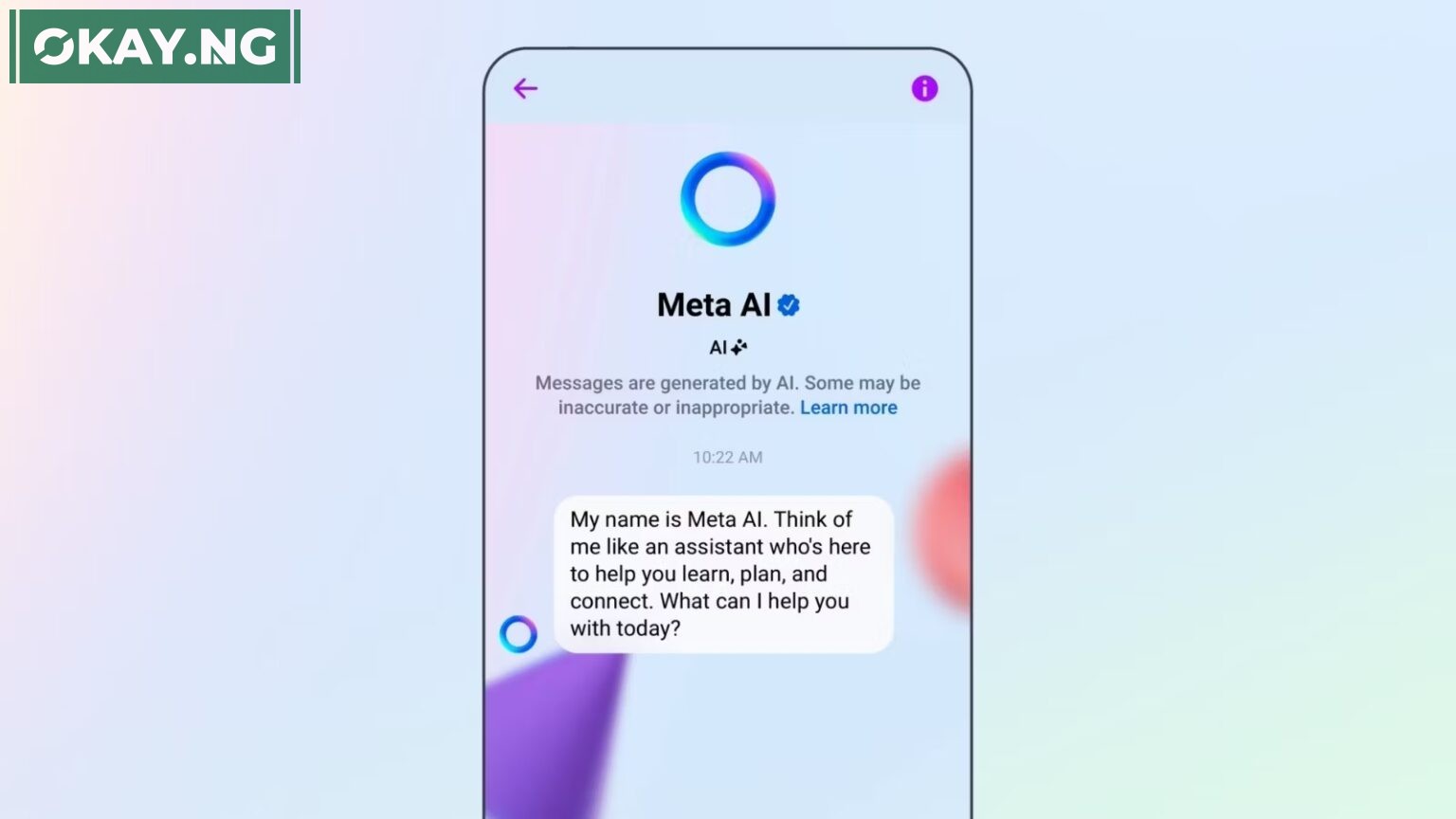
Meta AI Chatbot
Meta AI Chatbot
SHARE

Meta AI is a cutting-edge chatbot service provided by Meta, available on WhatsApp.

Contents
  • Getting Access to Meta AI on WhatsApp
  • Using Meta AI in WhatsApp Group Chats
  • Features and Limitations
  • Privacy and Data Security

It offers a range of interactive features such as answering questions, teaching new things, making recommendations, and even settling debates.

In this article, we’ll explore how users in Nigeria can access and utilize Meta AI on WhatsApp, addressing some of the most frequently asked questions.

Getting Access to Meta AI on WhatsApp

How Can I Get Early Access to Meta AI on WhatsApp?

To get early access to Meta AI on WhatsApp, follow these steps:

- Advertisement -
  • Open WhatsApp.
  • Tap the icon in the top right to open a new message.
  • Tap New AI Chat.
  • Tap Request early access.

Is Meta AI Available in Nigeria?

As of the latest information, Meta AI is available in limited countries. It has not been launched globally, and there is no specific mention of availability in Nigeria. Users in Nigeria should check the WhatsApp app for the latest updates on availability.

Using Meta AI in WhatsApp Group Chats

How Do I Use Meta AI in a WhatsApp Group Chat?

To use Meta AI in a WhatsApp group chat:

  • Open the group chat.
  • Type @ in the message field.
  • Tap Meta AI.
  • Accept the terms if prompted.
  • Type your prompt and tap on send.

The AI’s response will appear in the chat, visible to all members of the group.

Features and Limitations

What Can Meta AI Do on WhatsApp?

Meta AI can:

  • Answer questions and provide information.
  • Teach you new things.
  • Help generate ideas.
  • Make recommendations and tell jokes.
  • Settle debates with its knowledge base.

It uses a combination of Llama 2 and Meta’s latest large language model research to provide these services.

Are There Any Limitations to Meta AI on WhatsApp?

Yes, there are limitations. For instance, Meta AI cannot:

  • Receive voice prompts or reply in one.
  • Generate certain types of images or answer sensitive topics to prevent misuse.

Privacy and Data Security

How Does Meta AI Handle My Data?

Meta AI is designed with privacy in mind. Users can:

  • Use commands to delete information about themselves from a conversation.
  • Request more details or clarification within their conversations.

Follow Okay News channel on WhatsApp
Add as a preferred source on Google
Follow Okay News on Instagram
- Advertisement -

TAGGED:MetaMeta AI Chatbot
Share This Article
Facebook Pinterest Whatsapp Whatsapp Email Print
Previous Article Watch Episode 1 of “School Trip” by Pencil Comedian
Next Article Timaya Teases Fans with Glimpse of Purported Tesla Cybertruck Acquisition

Stay Connected

FacebookLike
XFollow
InstagramFollow
TiktokFollow
WhatsAppFollow
- Advertisement -

More News

Featured

Snoonu Honoured at Lusail University Partners Appreciation Ceremony in Qatar

By Okay News
2 Min Read
Noor Abu-Khadija
Featured

Qatar Positions Itself as Global Startup Hub Through Zero-Equity Growth Pipeline – MCIT

By Okay News
4 Min Read
Featured

JOHESU Strike Update – Here’s What You Should Know

By Okay News
5 Min Read
Okay NewsOkay News
2026 © Okay International Limited - All rights reserved
  • About Us
  • Advertising
  • Contact
  • Careers
  • Team
Welcome Back!

Sign in to your account

Username or Email Address
Password

Lost your password?

Continue with Facebook