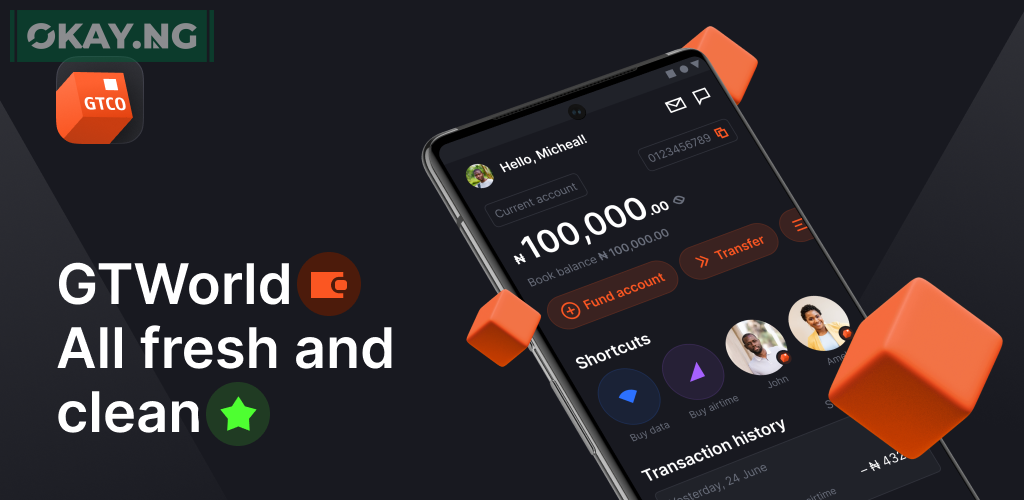
Converting currency from Euro to Dollar is a common requirement for many individuals who engage in international transactions.
With the GTBank GTWorld App, this process is simplified, allowing users to convert currencies seamlessly.
This article provides a step-by-step guide on how to convert Euro to Dollar using the GTWorld App and answers the most frequently asked questions about the process.
Step-by-Step Guide to Convert Euro to Dollar via GTBank’s GTWorld App
- Log in to your GTWorld App: Access the app using your credentials or biometric options.
- Navigate to FX Sales: Find the currency conversion feature within the app.
- Select Currencies: Choose ‘Euro’ as the currency you want to convert from and ‘Dollar’ as the currency you want to convert to.
- Enter Amount: Input the amount of Euro you wish to convert.
- Confirm Conversion: Review the conversion details, including the exchange rate and fees, then confirm the transaction.
- Completion: The equivalent Dollar amount will be credited to your Dollar account.
Most Asked Questions
How do I access the currency conversion feature on the GTWorld App?
- The currency conversion feature can be found within the app’s menu under the ‘Transfer’ or ‘FX Transactions’ section.
What are the charges for converting Euro to Dollar?
- Charges may vary based on the amount and current exchange rates. It’s best to check the latest fees within the app or contact GTBank customer service for details.
Can I convert currency without a domiciliary account?
- To convert currency, you typically need a domiciliary account. However, for specific procedures and requirements, it’s advisable to consult with GTBank directly.
How long does it take for the conversion to reflect in my account?
- Conversions are usually processed instantly, but it may take some time for the transaction to reflect in your account depending on the bank’s processing times.
Is there a limit to how much I can convert?
- Yes, there may be daily or transactional limits imposed by the bank. Check the GTWorld App for the most up-to-date information.