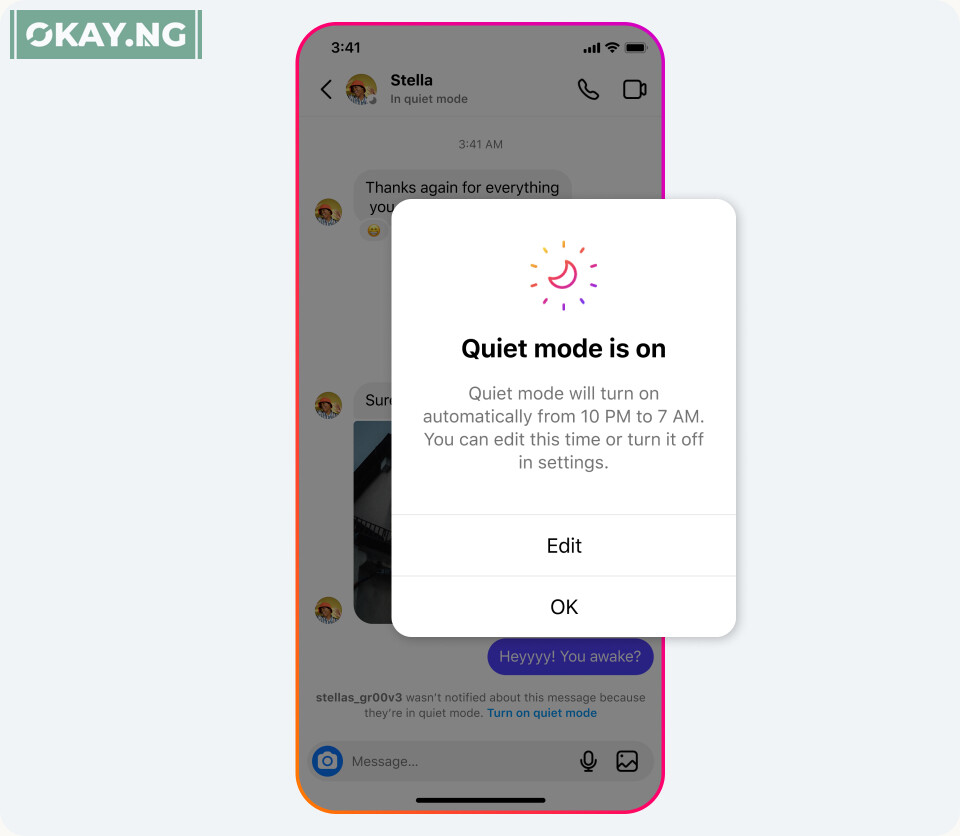
Instagram has introduced a new feature aimed at helping users take a break and focus on other areas of their lives outside of social media.
The feature, called Quiet mode, is targeted primarily at teens who use the platform and allows users to set boundaries with their friends and followers.
Once the feature is enabled, users will not receive any notifications, and their profile’s activity status will change to let people know. Instagram will also automatically send an auto-reply when someone sends such users a direct message.
In a statement, Instagram said, “Teens have told us that they sometimes want to take time for themselves and might be looking for more ways to focus at night, while studying, and during school. You can easily customize your Quiet mode hours to fit your schedule and once the feature is turned off, we’ll show you a quick summary of notifications so you can catch up on what you missed.”
Quiet mode is available to everyone in the US, UK, Ireland, Canada, Australia, and New Zealand, and Instagram hopes to bring it to more countries soon.
In addition to providing teens with more ways to manage their time and experiences on Instagram, the company also wants to help parents to be more aware of the choices their teens make, and make it easier for them to have discussions with their teens about their settings through Family Center and supervision tools.
Recently, Instagram added the ability for parents to see their teen’s Instagram settings, including privacy and account settings.
If their teen updates a setting, parents will receive a notification so they can talk to their teen about the change. Parents can now also view accounts their teen has blocked.