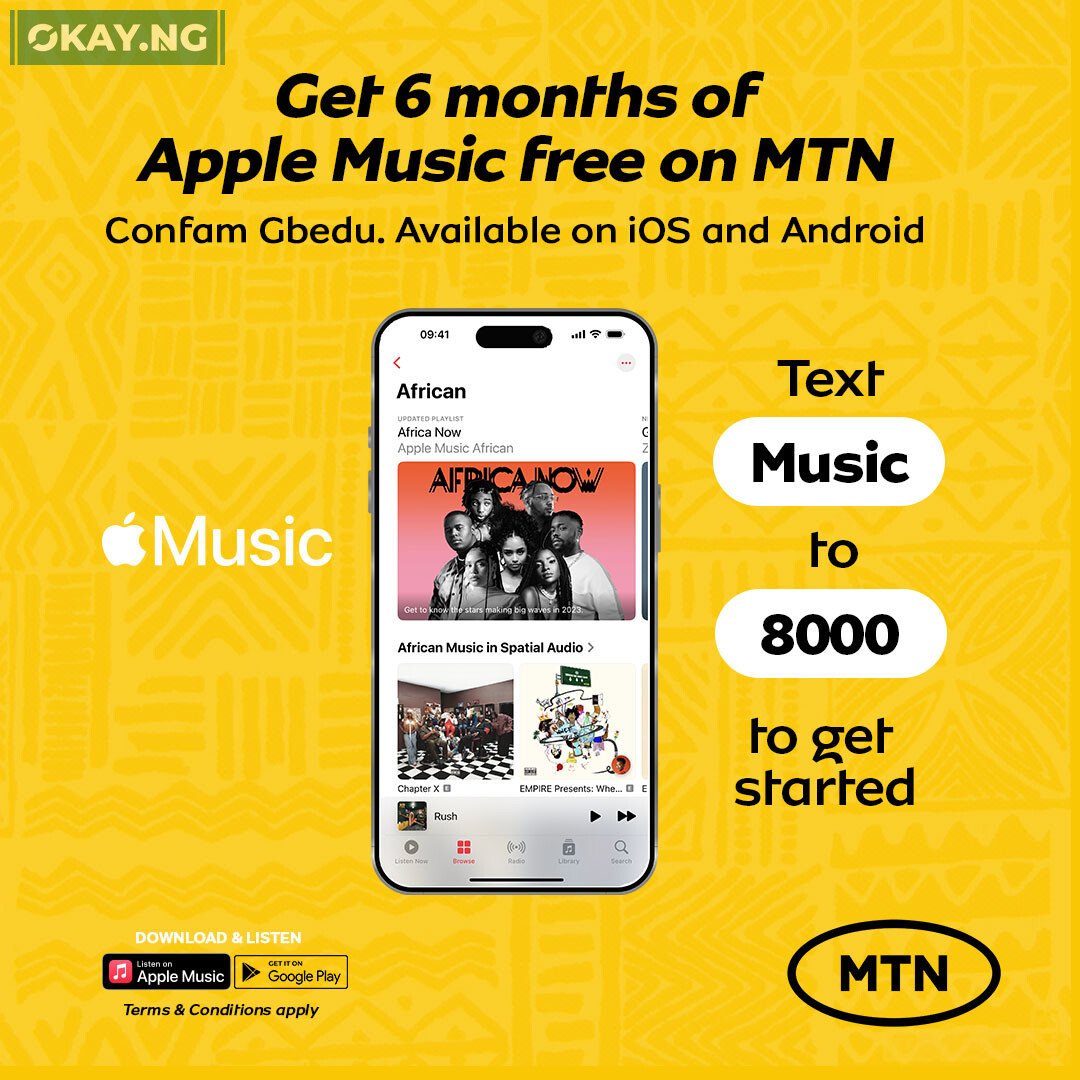
Are you a music enthusiast eager to groove to your favorite tunes without breaking the bank? MTN Nigeria has partnered with Apple Music to bring you an incredible offer: access to Apple Music’s extensive library of over 100 million songs with the first six months absolutely free!
In this comprehensive guide, we’ll show you how to activate MTN Apple Music and make the most of this fantastic offer.
Why Choose the MTN Apple Music Offer?
- Unlimited Access: Stream millions of songs and thousands of curated playlists.
- Ad-Free Experience: Enjoy uninterrupted music without pesky ads.
- Offline Listening: Download your favorite tracks and listen without an internet connection.
- Cross-Platform Availability: Compatible with both iOS and Android devices.
- Seamless Billing: Subscription fees deducted directly from your MTN airtime balance.
Step-by-Step Guide to Activate MTN Apple Music
Step 1: Dial the Activation Code
- Dial
*305#on your MTN line. - Select 2 for New Services.
- Choose 4 for Apple Music.
- Select 1 for the Free Subscription or 2 for the Paid Subscription.
Step 2: Confirm and Accept Terms
- A confirmation page will appear.
- Select Accept Renewal to agree to the terms and conditions.
- You will receive an SMS from 8000 with instructions to access the service.
Step 3: Download the Apple Music App
- For Android Users:
- Visit the Google Play Store.
- For iOS Users:
- Visit the Apple App Store.
- Download and install the Apple Music app on your device.
Step 4: Sign In or Create an Apple ID
- Open the Apple Music app.
- Sign in with your existing Apple ID or create a new one.
- Follow the on-screen prompts to complete the setup.
Step 5: Start Streaming Music
- Explore a vast library of songs, albums, and playlists.
- Enjoy your six months of free music streaming!
Frequently Asked Questions
Q1: Does Auto-Renewal Work with Apple Music?
A: Yes, auto-renewal is available. If you select it during the initial subscription, your plan will automatically renew after the free period. You can opt-out at any time.
Q2: How Can I Unsubscribe from the Subscription Plan?
A: To unsubscribe, send any of the following keywords to 8000:
- Stop Music
- No Music
- End Music
Q3: Can I Use Apple Music on Android Devices?
A: Absolutely! Apple Music is available for Android devices running Android 5.0 (Lollipop) or later.
Q4: Do I Need Internet to Stream Music on Apple Music?
A: Yes, an active internet connection is required to stream or download music. Consider subscribing to an MTN data plan for uninterrupted streaming.
Q5: Can I Download Songs for Offline Listening?
A: Yes, you can download songs, albums, and playlists to listen offline during your subscription period.
Tips to Enhance Your Apple Music Experience
- Create Custom Playlists: Organize songs based on your mood or genre preferences.
- Explore Curated Playlists: Discover new music through expertly curated lists.
- Stay Updated: Follow your favorite artists for the latest releases.
- Use Voice Commands: Control playback using Siri or Google Assistant.
- Share with Friends: Share your playlists and see what others are listening to.
Need Assistance or Support?
If you have any questions or need help, reach out to MTN Customer Service:
- Call: Dial 300 from your MTN line.
- Email: [email protected]
- Visit: Any MTN walk-in center nationwide.