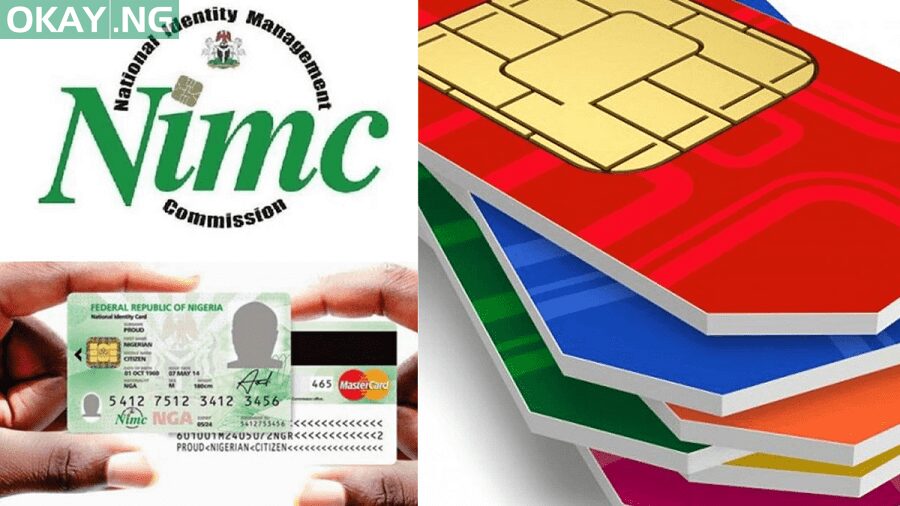
The federal government had on Monday ordered telecommunication companies to bar calls from subscriber identity module (SIM) cards that are yet to be linked to their National Identity Numbers (NIN).
Following the directive, several subscribers are unable to make calls due to not linking their NIN to the mobile numbers.
Here are steps you can link your SIMs to NIN for MTN, Airtel, GLO and 9Mobile to remove the barring of outing calls below:
How to link my NIN to my MTN number
Visit https://mtnonline.com/nin/
- You will see the form to fill in your full name.
- Then put your MTN Mobile Number
- Type your NIN
- Fill in your email address
Then click on the ‘SUBMIT’ button.
or
You can dial the USSD *785#
You will then be prompted to in your 11 digits National Identification Number, and send it.
How to link NIN to your GLO Number [Globacom NIN]
Send an SMS in this format ‘UpdateNIN (space) NIN (space) First name (space) and Last Name’ to 109
How to link NIN to Airtel Number
- Dial *121*1#
- Input your 11 digit National Identification Number
- After you will receive a text message saying it is successful
How to link NIN to 9mobile Number
- Visit https://9mobile.com.ng/nin
- Click on the green button with ‘verify and link your NIN now‘
- Enter your mobile number and fill in the requirements.