By using this site, you agree to the Privacy Policy and Terms of Use.
Accept
Okay News
  • News
  • Entertainment
  • Business & Economy
  • Sport
  • Tech
Font ResizerAa
Okay NewsOkay News
Search
  • News
  • Entertainment
  • Business & Economy
  • Sport
  • Tech
Follow US
Featured

Pixelverse: How to Mine Coin and Withdraw to Your Wallet [Easy Steps]

Okay News
By
Okay News
ByOkay News
Okay.ng launched under OKN MEDIA PUBLISHING (RC Number: 2993580) in the year 2012 is an independent digital news platform with thousands of page views and unique...
Follow:
Published: 2024/06/12
2 Min Read
Share
SHARE

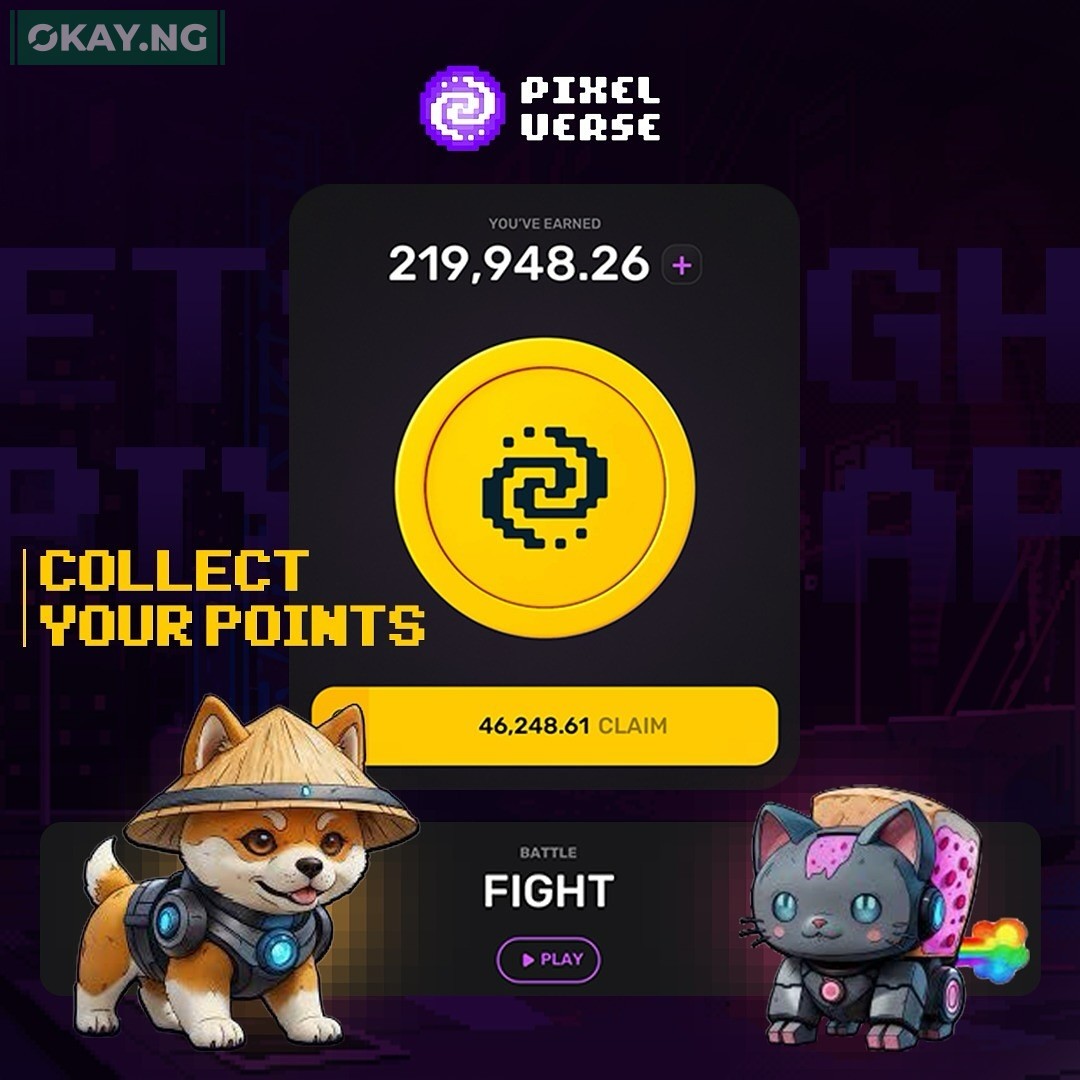
Pixelverse offers a unique blend of gaming and cryptocurrency, enabling players to mine coins while enjoying immersive gameplay.

Contents
  • Quick Start Guide to Mining in Pixelverse
  • Tips for Efficient Mining
  • Withdrawing Your Earnings
  • Solving Potential Issues

Quick Start Guide to Mining in Pixelverse

Before diving into mining, you’ll need:

  • An active Pixelverse account.
  • The Pixelverse Mining App or the Telegram bot.

How to Mine Pixelverse Coins

  1. Install the Mining App: Download from the Pixelverse site or connect with the Telegram bot.
  2. Complete Your Profile: Fill in the necessary details to set up your mining profile.
  3. Begin Mining: Follow the in-game guide to start earning Pixelverse coins.

Tips for Efficient Mining

  • Regular Participation: Stay active to boost your mining rate.
  • Utilize Boosters: Use any available boosters to increase your coin yield.

Withdrawing Your Earnings

Here’s how to transfer your Pixelverse coins to your wallet:

Setting Up Your Wallet Connection

  1. Navigate to the Dashboard: Log into your Pixelverse account and go to the Game Dashboard.
  2. Connect Your Wallet: Choose your wallet type and link it to your Pixelverse account.
  3. Authorize the Link: Complete the authorization process to secure the connection.

Transferring Coins to Your Wallet

  1. Initiate the Withdrawal: Select the ‘Withdraw’ option and specify the amount of Pixelverse coins.
  2. Confirm the Details: Double-check the transaction details before confirming.
  3. Receive Your Coins: The coins will be sent to your wallet, usually within minutes.

Solving Potential Issues

If you face any problems:

  • Check Internet Connection: A stable connection is crucial for uninterrupted mining and withdrawal.
  • App Updates: Ensure your Pixelverse Mining App is up-to-date.
  • Pixelverse Support: Contact the support team for any assistance.

TAGGED:PixelversePixelverse Mining
Share This Article
Facebook Pinterest Whatsapp Whatsapp Email Print
ByOkay News
Follow:
Okay.ng launched under OKN MEDIA PUBLISHING (RC Number: 2993580) in the year 2012 is an independent digital news platform with thousands of page views and unique visitors every month
Previous Article Salihu Lukman Former APC Vice Chair Salihu Lukman Resigns from Party
Next Article Bayo Onanuga Presidential Aide Defends Tinubu’s Fall at Eagle Square, Says Presidents Are Humans

Stay Connected

FacebookLike
XFollow
InstagramFollow
TiktokFollow
WhatsAppFollow

You Might Also Like

Featured

TikTok Brings Nollywood, Digital Creators Together at Lagos #WhatToWatch Cinema Experience

By
Okay News
4 Min Read
FirstBank of Nigeria
Featured

FirstBank Backs Motherland Festival 2025 to Welcome Diaspora Nigerians Home

By
Okay News
3 Min Read
Abdul Samad Rabiu
Featured

Abdul Samad Rabiu: An Industrialist Who Makes Prosperity a Pact, Not Just a Profit

By
Okay News
8 Min Read
Okay NewsOkay News
Follow US
2025 © Okay International Limited - All rights reserved
  • About Us
  • Advertising
  • Contact
  • Careers
  • Team
Welcome Back!

Sign in to your account

Username or Email Address
Password

Lost your password?

Continue with Facebook
Not a member? Sign Up