

By using this site, you agree to the Privacy Policy and Terms of Use.
Accept
Okay News
  • News
  • Entertainment
  • Business & Economy
  • Sport
  • Tech
Font ResizerAa
Okay NewsOkay News
Search
  • News
  • Entertainment
  • Business & Economy
  • Sport
  • Tech
Follow US
Featured

Step-by-Step Guide: How to Use Two WhatsApp Accounts on One Phone

Muhammad A. Aliyu
By
Muhammad A. Aliyu
ByMuhammad A. Aliyu
Muhammad Ameer Aliyu is a prolific journalist who joined Okay News in 2015, aiming to contribute to the platform's positive growth. Currently serving as the Senior...
Follow:
Published: 2023/10/19
2 Min Read
Share
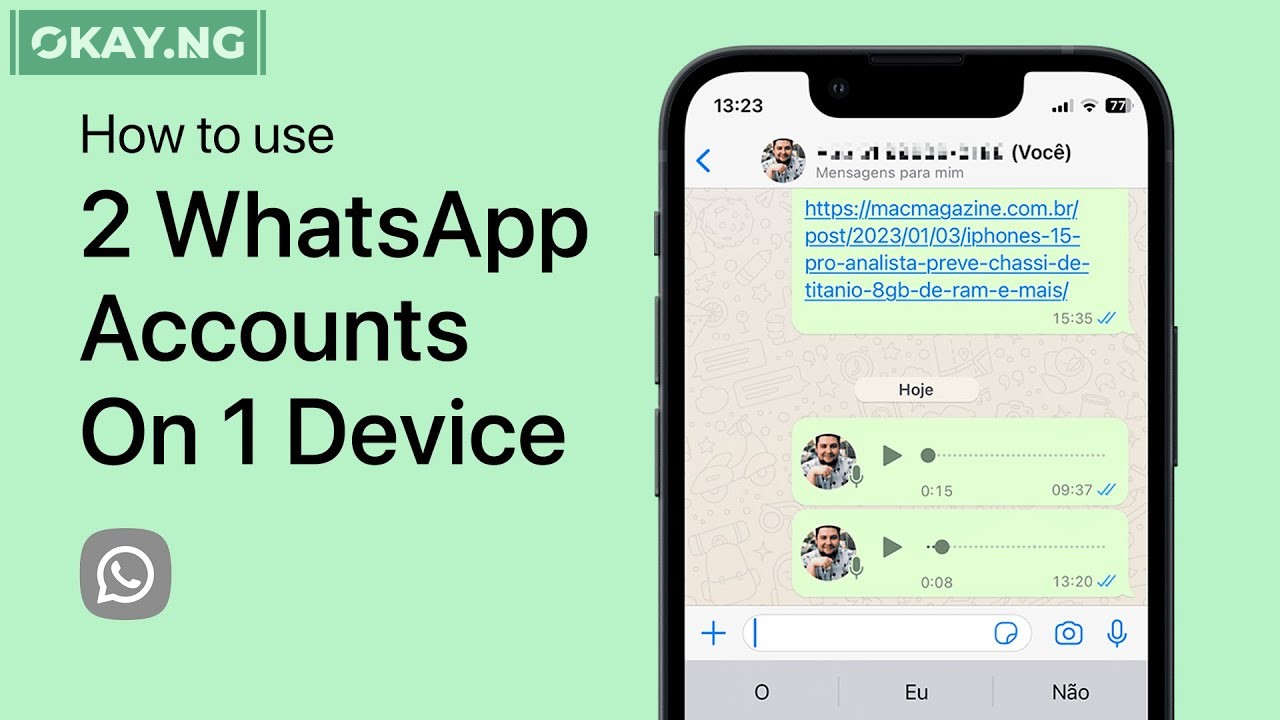
Step-by-Step Guide: How to Use Two WhatsApp Accounts on One Phone
SHARE

WhatsApp is a popular messaging app that allows users to communicate with each other for free using their phone numbers.

However, WhatsApp has previously only allowed users to have one account per device. This was a limitation for users who wanted to have two separate accounts, such as a personal account and a business account.

Recently, WhatsApp announced that it is rolling out a new feature that allows users to have two accounts on the same device.

This feature is currently available in beta and stable versions of WhatsApp, and it should be available to all users soon.

To set up two WhatsApp accounts on the same device, follow these steps:

  1. Open WhatsApp and go to Settings.
  2. Tap on your name at the top of the screen.
  3. Tap on Add Account.
  4. Enter your second phone number and verify the code that is sent to that number.
  5. Once you have verified your second phone number, you will be able to switch between your two accounts by tapping on the arrow next to your name at the top of the screen.

Here are some other things to know about using two WhatsApp accounts on the same device:

  • Each account will have its own set of settings, including settings for preferences, notifications, and more.
  • You can also choose to mute or archive chats, delete messages, or block contacts separately for each account.
  • You can only receive notifications for one account at a time. If you receive a notification for one account while you are using the other account, the notification will be displayed in the notification bar. However, you will not be able to see the contents of the notification until you switch to the account that the notification is for.

Overall, the ability to have two WhatsApp accounts on the same device is a welcome addition to the app. It will make it easier for users to manage their personal and professional accounts separately.


TAGGED:Whatsapp
Share This Article
Facebook Pinterest Whatsapp Whatsapp Email Print
ByMuhammad A. Aliyu
Follow:
Muhammad Ameer Aliyu is a prolific journalist who joined Okay News in 2015, aiming to contribute to the platform's positive growth. Currently serving as the Senior Editor, he plays a key role in shaping the digital news landscape.
Previous Article WhatsApp Introduces Simultaneous Login for Two Accounts on Single Device
Next Article FG to Shut Third Mainland Bridge 24 Hours for Repairs

Stay Connected

FacebookLike
XFollow
InstagramFollow
TiktokFollow
WhatsAppFollow

You Might Also Like

Featured

TikTok Brings Nollywood, Digital Creators Together at Lagos #WhatToWatch Cinema Experience

By
Okay News
4 Min Read
FirstBank of Nigeria
Featured

FirstBank Backs Motherland Festival 2025 to Welcome Diaspora Nigerians Home

By
Okay News
3 Min Read
Abdul Samad Rabiu
Featured

Abdul Samad Rabiu: An Industrialist Who Makes Prosperity a Pact, Not Just a Profit

By
Okay News
8 Min Read
Okay NewsOkay News
Follow US
2025 © Okay International Limited - All rights reserved
  • About Us
  • Advertising
  • Contact
  • Careers
  • Team
Welcome Back!

Sign in to your account

Username or Email Address
Password

Lost your password?

Continue with Facebook
Not a member? Sign Up