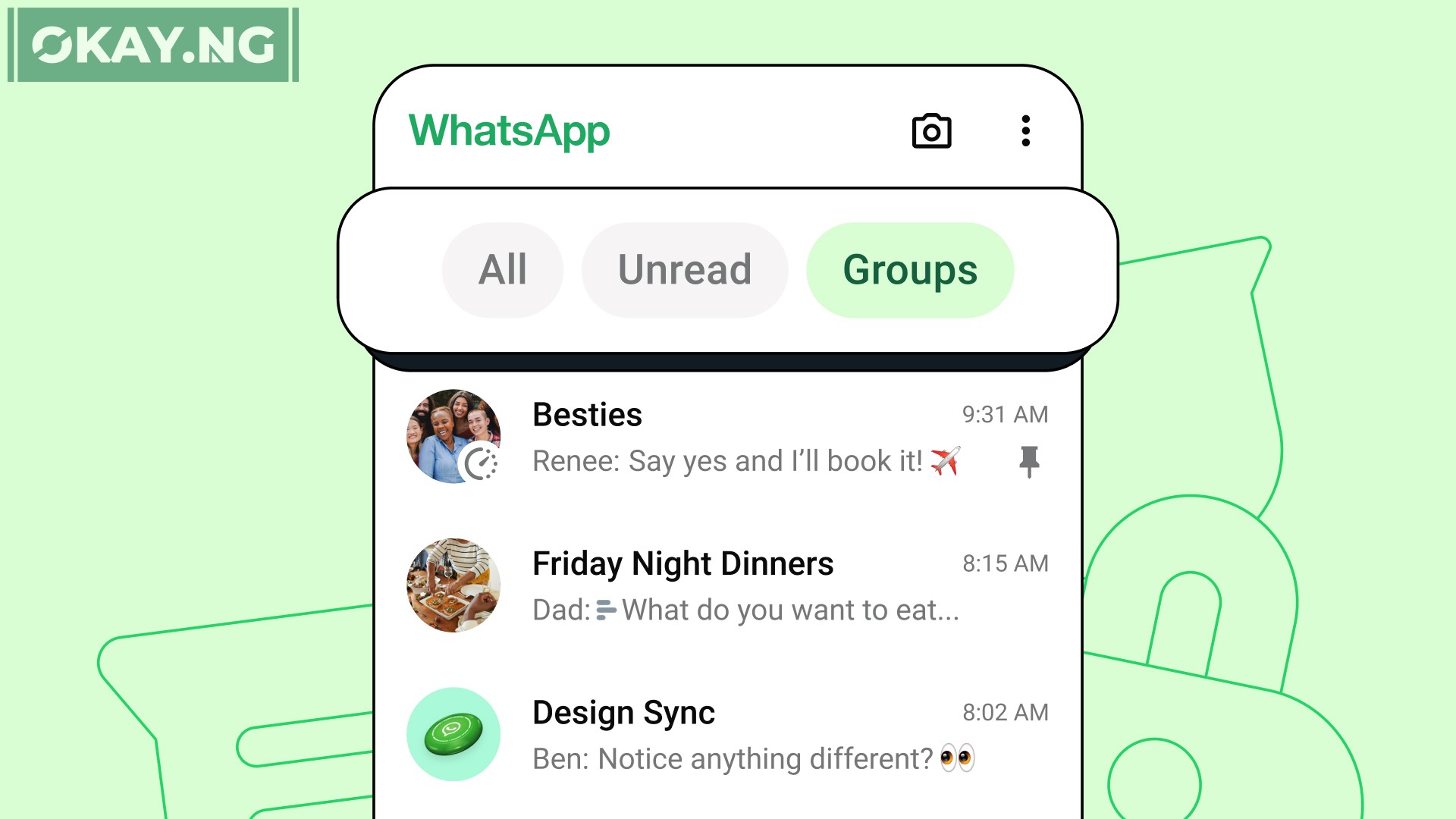
WhatsApp has introduced a new feature that aims to make managing your messages easier and more efficient.
The ‘Chat Filters’ feature is a significant update for the app, allowing users to quickly sort through their messages.
Here’s everything you need to know about this latest addition.
Overview of Chat Filters
The ‘Chat Filters’ feature is designed to help users find messages faster by categorizing conversations into different filters.
This update is particularly useful for those who use WhatsApp for business or personal purposes and have a large number of chats to manage.
How It Works
Users can now select between three filters at the top of their chat list:
- All: Shows the default view of all messages.
- Unread: Displays conversations that are marked as unread or haven’t been opened yet.
- Groups: Organizes all group chats in one place, including subgroups of Communities.
These filters can be selected with just a tap, streamlining the process of navigating through messages.
Most Asked Questions
Here are some of the most frequently asked questions about the new ‘Chat Filters’ feature:
What are the benefits of using Chat Filters?
- Efficiency: Quickly find important conversations without scrolling through the entire inbox.
- Organization: Keep track of unread messages and prioritize responses.
- Accessibility: Easily access group chats and community subgroups.
How do I activate Chat Filters?
Chat Filters are automatically available at the top of your chat list. Simply tap on the filter you wish to apply.
Can I customize the Chat Filters?
Currently, the feature offers three predefined filters. WhatsApp may introduce more customizable options in the future.
Are Chat Filters available for all users?
The feature is rolling out gradually and will be available to all users in the coming weeks.