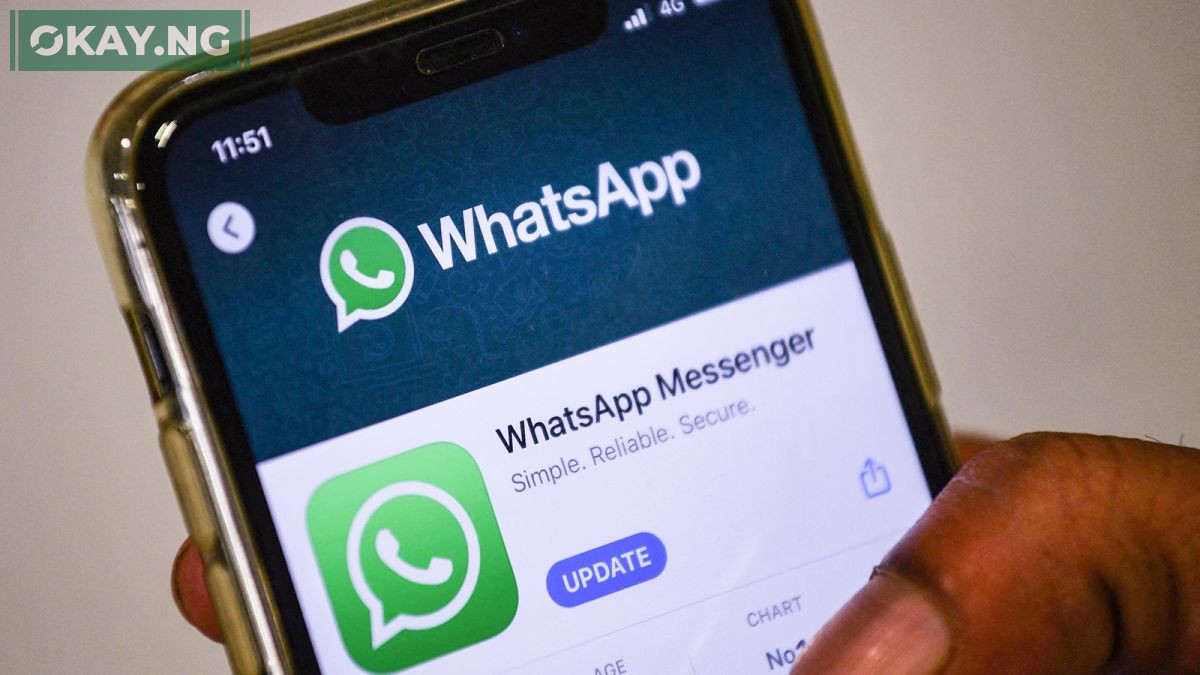
WhatsApp, one of the most popular messaging platforms globally, is an essential part of our daily communication.
However, the security of our accounts can sometimes be compromised, leading to unauthorized access by malicious individuals.
If you find yourself in the unfortunate circumstance of having your WhatsApp account hacked, there’s no need to panic. With a few simple steps, you can swiftly regain control of your account and secure your privacy once again.
Here’s a step-by-step guide on how to retrieve your hacked WhatsApp account in less than 10 minutes, provided you have a stable network connection.
Step 1: Uninstall WhatsApp Application
The initial step in the account recovery process is to uninstall the WhatsApp application from your device. This ensures a fresh start for the reinstallation process and helps in clearing any potential remnants of the hacker’s activity on the app.
Step 2: Reinstall WhatsApp from Play Store
After successfully uninstalling the application, head to the Play Store on your device and download the WhatsApp application afresh. Ensure that you download the official version of WhatsApp from a reputable source to avoid any potential security risks.
Step 3: Launch WhatsApp and Verify Phone Number
Upon successful installation, launch the WhatsApp application and verify your phone number. It’s crucial to use the same phone number that was associated with your hacked WhatsApp account. This step enables WhatsApp to send a six-digit verification code to your phone number via SMS.
Step 4: Enter the Six-Digit Verification Code
After receiving the six-digit verification code via SMS, enter the code in the appropriate field within the WhatsApp application. This action logs you into your account immediately, effectively logging out the unauthorized user or hacker from your account. This swift action ensures that the hacker’s access is terminated upon your successful login.
Special Considerations for Two-Step Verification
In some cases, you might be prompted to provide a two-step verification code, even if you didn’t set it up initially.
This occurrence indicates that the individual who gained access to your account might have activated a two-step verification code.
Since you don’t have the code, you’ll need to wait for a period of 7 days before you can sign in without the two-step verification code. However, rest assured that the hacker has been effectively logged out of your account, preventing any further unauthorized activity.
By following these simple steps, you can efficiently recover your hacked WhatsApp account and regain control of your privacy and communication.
It’s essential to stay vigilant and prioritize security measures to prevent any future hacking attempts. Regularly update your passwords, enable two-step verification, and be cautious of suspicious links or messages to ensure the security of your WhatsApp account and personal data.
Stay informed, stay secure!