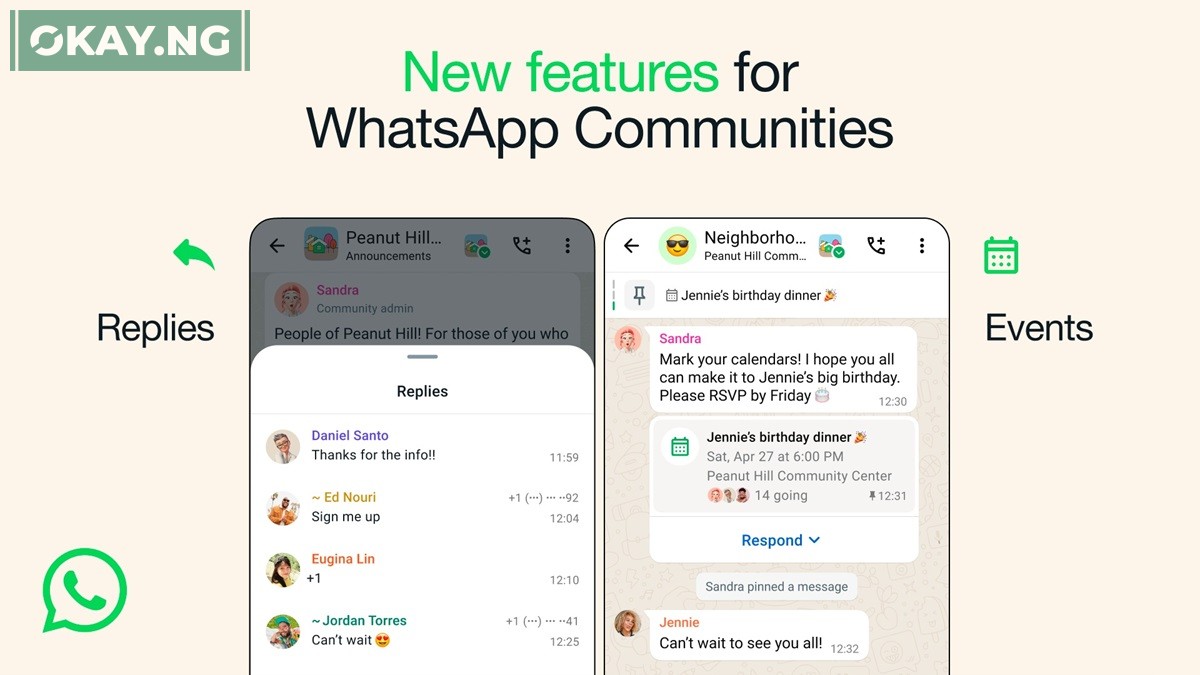
WhatsApp has announced the introduction of a new feature designed to streamline event organization within Communities, providing users with a convenient way to plan and coordinate gatherings directly on the messaging platform.
The feature, unveiled on Wednesday, aims to simplify the process of arranging events, whether it be scheduling a PTA meeting or organizing a birthday dinner, by enabling users to create and manage events within WhatsApp groups.
With the new feature, any member of a Community group can create an event, allowing others to RSVP and indicating their attendance. Event details can be accessed from the group’s information page, providing transparency and facilitating coordination among group members. Furthermore, attendees will receive notifications as the event date approaches, ensuring timely reminders.
Initially, this feature will be available to groups affiliated with a Community, with a gradual rollout planned for all WhatsApp groups in the coming months.
In addition to the event organization feature, WhatsApp is enhancing Announcement Groups within Communities by introducing the ability for users to reply to messages.
Announcement Groups, where admins disseminate updates to all community members, will now support threaded replies, enabling users to engage in discussions while maintaining organizational clarity.
Importantly, users will not receive notifications for these replies, ensuring that Announcement Groups remain streamlined and focused on important announcements.
This update builds upon WhatsApp’s commitment to fostering community engagement and connectivity, following the launch of Communities in November 2022.
Communities serve as hubs for neighborhoods, school associations, hobbyists, and more, allowing admins to consolidate up to 50 groups for enhanced communication and collaboration.
WhatsApp has affirmed its dedication to introducing new features and enhancements to Communities and groups in the coming months.