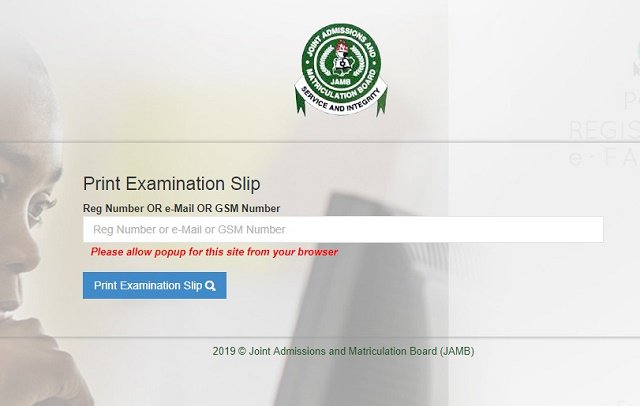
After releasing results for mock examination which was conducted on April 1st, the portal for printing examination slips for the main UTME has been opened.
The ‘e-slip’ or ‘JAMB slip’, an exam slip is an official document containing a candidate’s personal information, exam schedule, and other relevant information pertaining to the exam.
Candidates are expected to go with their slip to the examination hall.
To print your JAMB slips without hitches, follow these simple procedures:
1. Visit JAMB’s official e-slip printing page HERE
2. This is your first step to printing your exam slip. You will have to visit JAMB’s UTME official page where candidates can print their exam slips.
3. Provide JAMB registration number, email address or phone number
4. Click the ‘Print Examination Slip’ button.