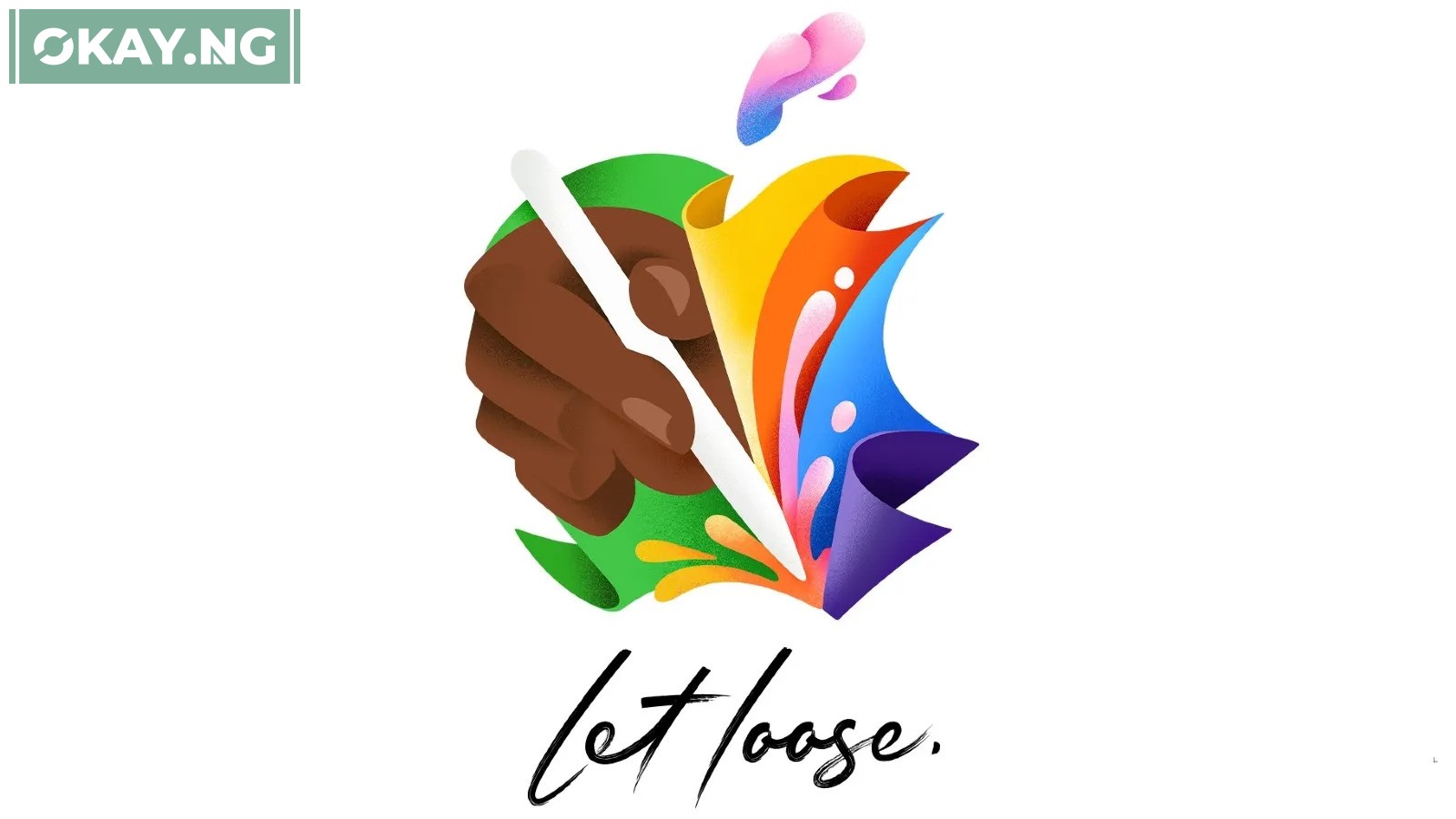
Apple’s highly anticipated ‘Let Loose’ event is set to unveil exciting new products and updates. For those in Nigeria eager to be part of the global audience, here’s a comprehensive guide on how to catch the live stream and answers to the most asked questions.
How to Watch the Live Stream in Nigeria
To ensure you don’t miss out on any announcements, follow these steps:
- Visit Apple’s Official Event Page: Navigate to www.apple.com/apple-events/ using your web browser at the event’s scheduled time.
- YouTube: Apple will also stream the event live on its YouTube channel. You can set a reminder there to get notified when the event starts.
- Apple TV App: If you have an Apple TV or any compatible device, you can watch the event through the Apple TV app.
What Time Does the Event Start in Nigeria?
The event is scheduled to start at 1 PM Eastern Time. For viewers in Nigeria, this translates to 6 PM West Africa Time.
Can I Watch the Event on Any Device?
Yes, you can watch the event on any device that has access to a web browser or the YouTube and Apple TV apps.
What Products Are Expected to Be Announced?
Apple is expected to unveil updated iPad Pro and iPad Air models, along with new accessories like an updated Apple Pencil and a redesigned Magic Keyboard.
Will There Be Any Other Ways to Watch the Event?
If the official streams are not available, you may search for unofficial streams, but these are often unreliable and of low quality.
What If I Miss the Live Stream?
Don’t worry, the event will be available to watch as a recording on Apple’s official website and YouTube channel shortly after it concludes.
Event Details for Viewers in Nigeria
| Feature | Details |
|---|---|
| Date | May 7, 2024 |
| Nigerian Time | 6 PM WAT |
| Official Stream | Apple’s Event Page, YouTube |
| Devices | Any device with web access or the Apple TV app |
Remember to check your internet connection ahead of time to avoid any streaming issues. Enjoy the event!