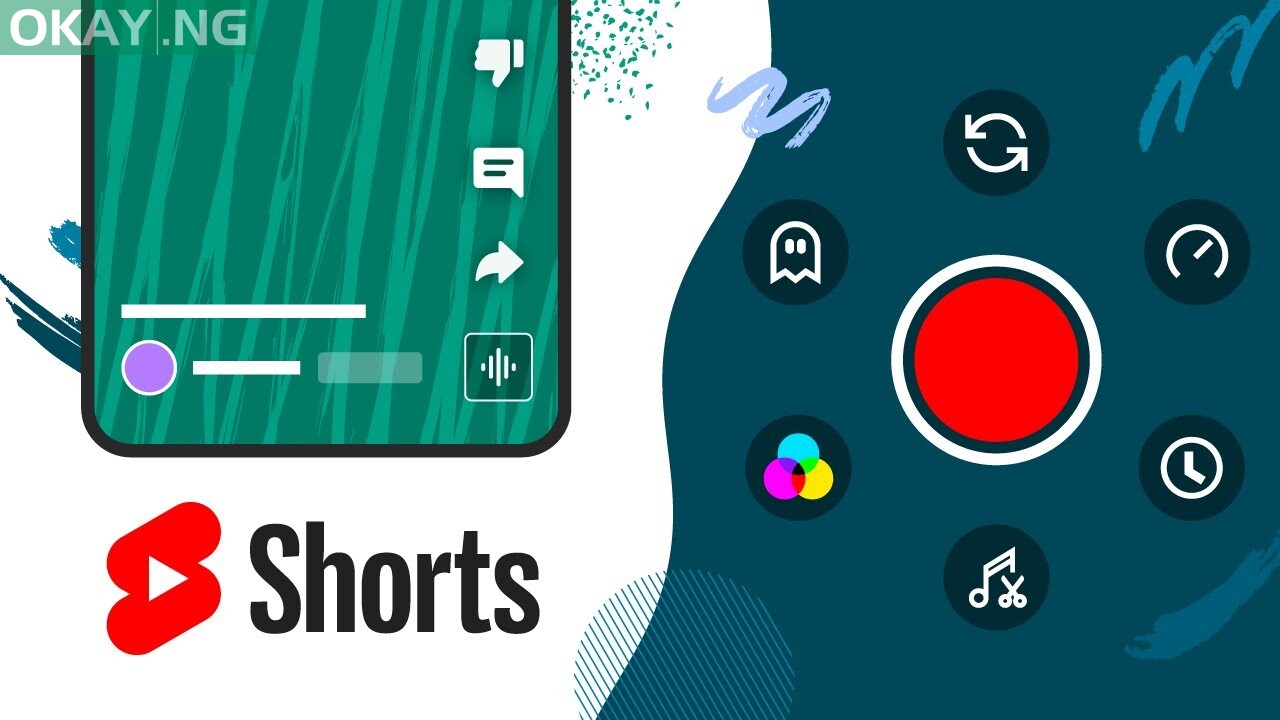
YouTube Shorts creators can now receive their share of a new $100 million YouTube Shorts Fund to be distributed over 2021-22, as a reward for creating exciting and engaging content on the platform. The fund will be distributed to thousands of eligible creators each month as a bonus payment, based on their content’s performance in the previous month.
Creators can receive up to $10,000 based on viewership and engagement of their Shorts content. To qualify, channels must meet the minimum eligibility requirements refreshed each month to give other creators the opportunity to receive a reward for their creative and unique Shorts.
The Shorts Fund is the first step in building a monetisation model for Shorts on YouTube and is a chance for creators to earn and build their growing businesses as the world focuses on economic recovery.
Across the world, Shorts creators have already attracted millions of subscribers via their Shorts-only channels. Moreover, Nigerians are showing a growing interest in this new short-form video experience, as seen in the top 10 most viewed YouTube Shorts videos watched by Nigerians below.
- Best Oddly Satisfying Video for Stress Relief
- Will this work where you live?
- Electric car drivers be like…
- RONALDO Copied Khaby Lame
- This is what happens when you forget to shake the ketchup
- Best Oddly Satisfying Video for Stress Relief #Shorts
- Makeup tips & tricks #Shorts .(3)
- Best Oddly Satisfying Video for Stress Relief #Shorts
- This lady keeps stealing mail from mailbox
- Best Oddly Satisfying Video for Stress Relief #Shorts
Creators in Nigeria looking to make their own Shorts videos and take advantage of the Shorts Fund can try these six tips to create compelling and engaging content on the platform.
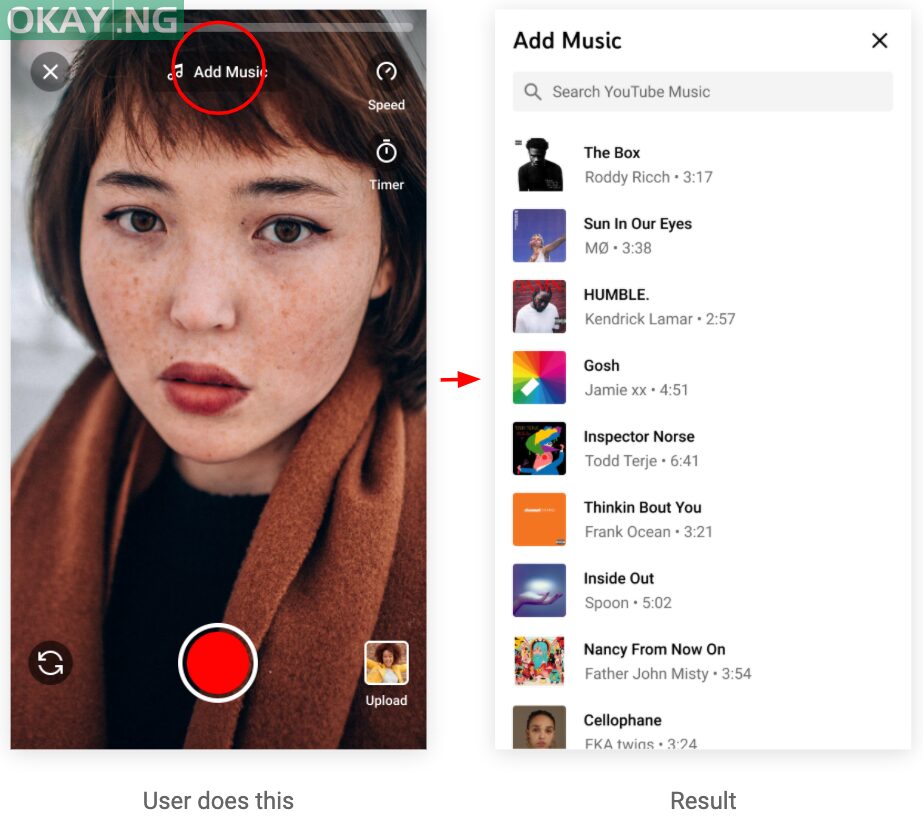
- Spice up your video with music
Without music in the background, your YouTube Shorts video can appear boring. You can add music to your Shorts by tapping the Add Music icon at the top and selecting one of the preset songs. That way you can then create lip sync and dancing videos using the song. You can also add audio from other YouTube videos into your YouTube Shorts video. To add music, click on the ‘Add Music’ tab and you’ll be taken to a library of music from famous artists that you can use. The page also shows which tracks are most often used in Shorts videos.
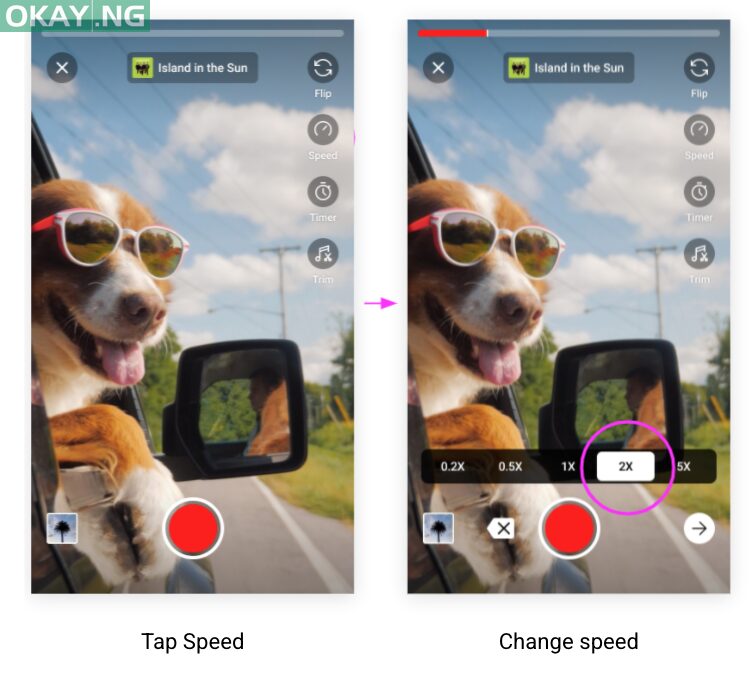
- Adjust the speed of your video to suit your idea
With YouTube Shorts, you have more freedom to experiment with the recording speed. Any of the five possible speeds can be used to produce slow-mo or sped-up effects. With the Speed button, you can slow down or speed up a video by 0.3 or 3 times.
- Add text to your video
Would you want to spice up the Shorts video with various text styles and colors? You can add various text styles and modify them with varying colors, alignments, widths, and other options from the Next screen. Try it out.
- Import videos from your phone’s gallery
In certain instances, you might already have videos that you believe will be perfect for your YouTube Shorts video. No stress. Not only can you record your videos using the Shorts camera, but you can also upload videos from your gallery to create that next viral video. It’s as easy as clicking on the gallery button at the bottom left corner of the record screen, choosing a video, editing it to suit your requirements, adding commentary or music, and then uploading.
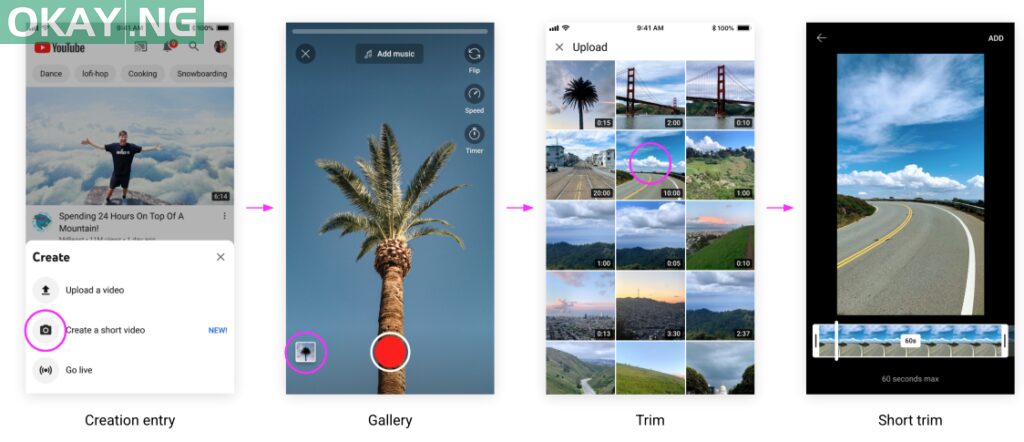
- String multiple video clips together
In order to create the best video, you may need to pause and resume filming in between takes. With the multi-segment camera on YouTube Shorts, you can string multiple video clips together, removing the need for an external editor. Simply release the record button while shooting to pause the video and resume recording when you push the record button again.
- Make your video eye-catching with video filters
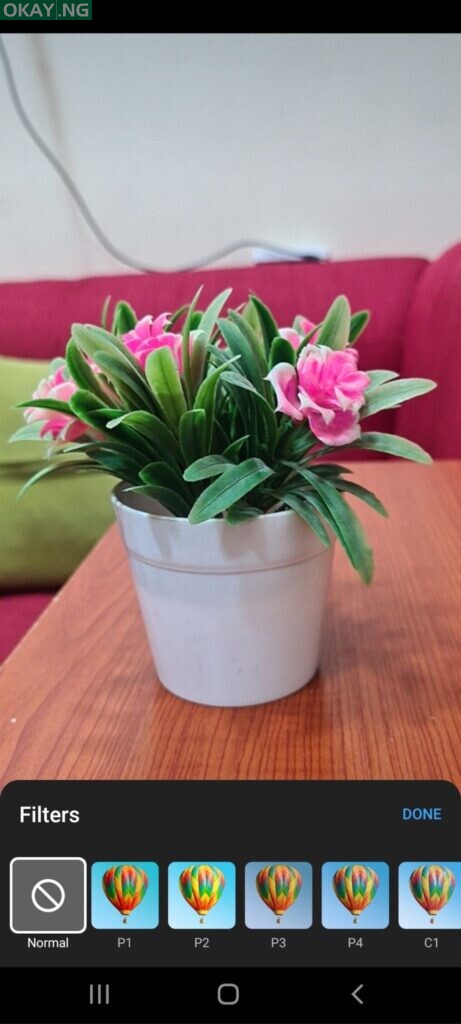
Content creators will be able to switch to varying filters in the recording and editing screens within the Shorts camera. Filters enable users to color correct footage or change the look & feel of a video.