
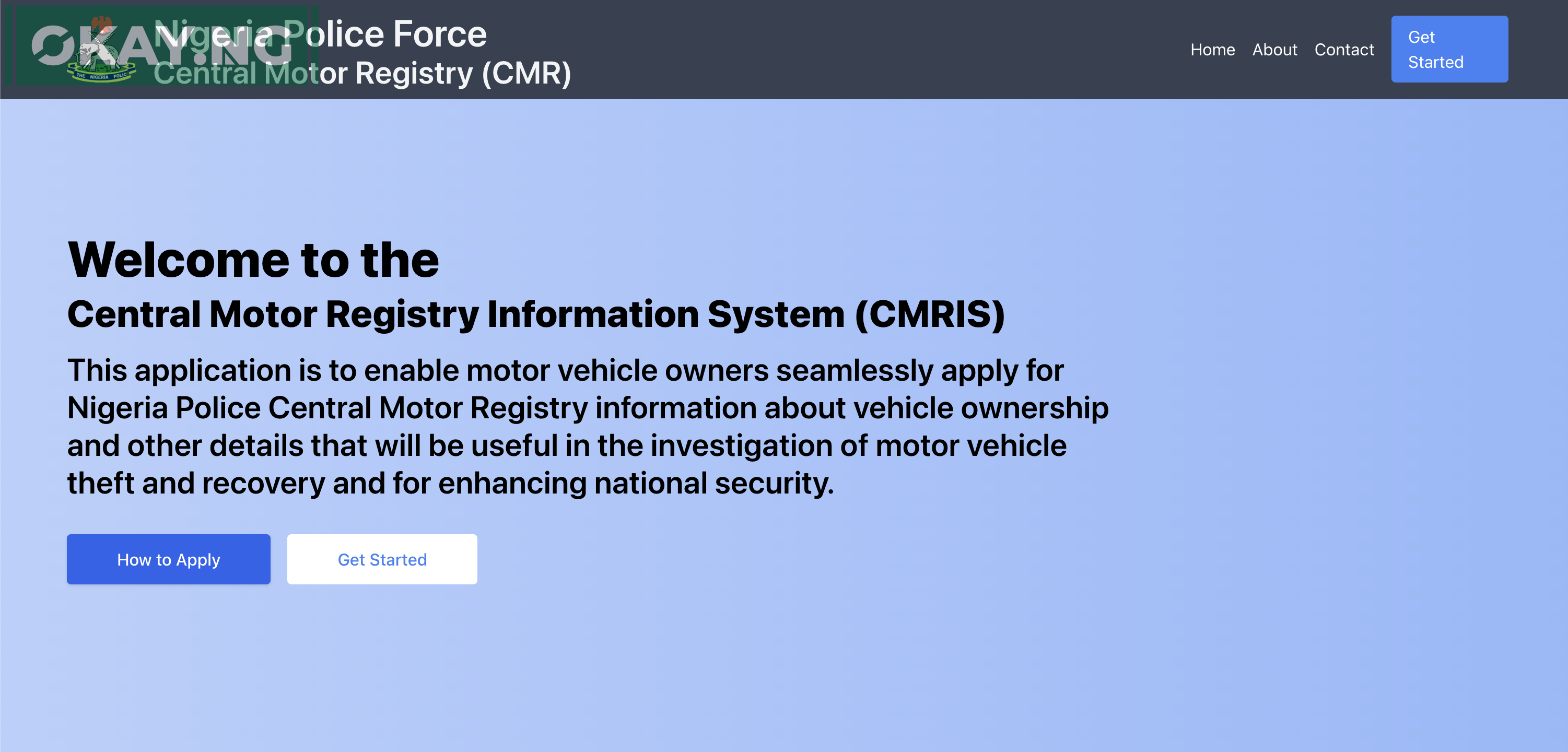
The Central Motor Registry (CMR) of the Nigeria Police Force plays a crucial role in providing Motor Vehicle Information Certificates to citizens.
If you’re seeking to apply for this certificate, here’s a detailed guide to navigating the online application process seamlessly.
Step 1: Visit the CMR Portal
Visit the official CMR portal at https://cmris.npf.gov.ng.
Step 2: Get Started
Click on the “Get Started” button to initiate the application process.
Step 3: Create Profile
If you are a first-time user, you need to create a profile. Choose your Profile Type (Personal or Organisation) and Identification Type (NIN for Personal, TIN for Organisation). Enter your identification number and click “Verify.”
Step 4: Identity Verification
If your identity is verified successfully, click “Continue” to proceed with the application.
Step 5: Confirm Email and Phone Number
Confirm your Email and Phone Number. If changes are needed, update the information accordingly. Click “Confirm” to receive a token through your current phone number and valid email. Enter the token, confirm, and proceed.
Step 6: Personal Information
Review the uploaded NIN/TIN information and proceed to the next step.
Step 7: State of Residence and Password
Select your Current State of Residence and Current LGA of Residence. Confirm if your NIN/TIN address matches your current address. If not, provide your Current Residential Address. Create and confirm your password. Click “Next” to proceed.
Step 8: Apply for CMR Motor Vehicle Information Certificate
Login using your access credentials created during the profile creation process.
- Username: Email or Phone Number (Created during the profile creation)
- Password: [Your chosen password]
Click “Login” to access your account.
Step 9: Choose CMR Request
a. Select CMR Request – Choose a Request
b. Select CMR Sub-Request – Specify Sub-Request
c. Choose Number of Requests – Single (for one vehicle) or Fleet (for multiple vehicles)
Step 10: Vehicle Details
a. Select Vehicle Category and Plate Number Type
b. Enter vehicle details – State Licensing Office and State Requesting From
Step 11: Request Confirmation
Carefully review the entered information for accuracy and genuineness. Click “Proceed” to view the invoice and make the payment.
Step 12: User Profile Features
a. Requests: View Request(s), Sold Vehicles, print Certificates, etc.
b. Profile Update/Edit: Password, Email, Phone.
c. Logout: Exit the portal when you have completed your tasks.
By following these steps, you can efficiently apply for a CMR Motor Vehicle Information Certificate through the Nigeria Police Force portal.
Ensure that all details provided are accurate to facilitate a smooth application process.